
How to Play Music in Your Car?

Embarking on a journey, whether it's a daily commute or a road trip, is an experience enhanced by the perfect soundtrack. The ability to curate and enjoy your favorite tunes while on the road has become an integral part of the modern driving experience.
Where to Buy Best Carstereo?
You can buy from here:
The various ways to listen to music in the car are:
- FM/AM radio
- Bluetooth streaming
- AUX input
- Satellite radio
- CD player
- CarPlay/Android Auto
- SD card/USB drive
- Music streaming apps
FM/AM Radio
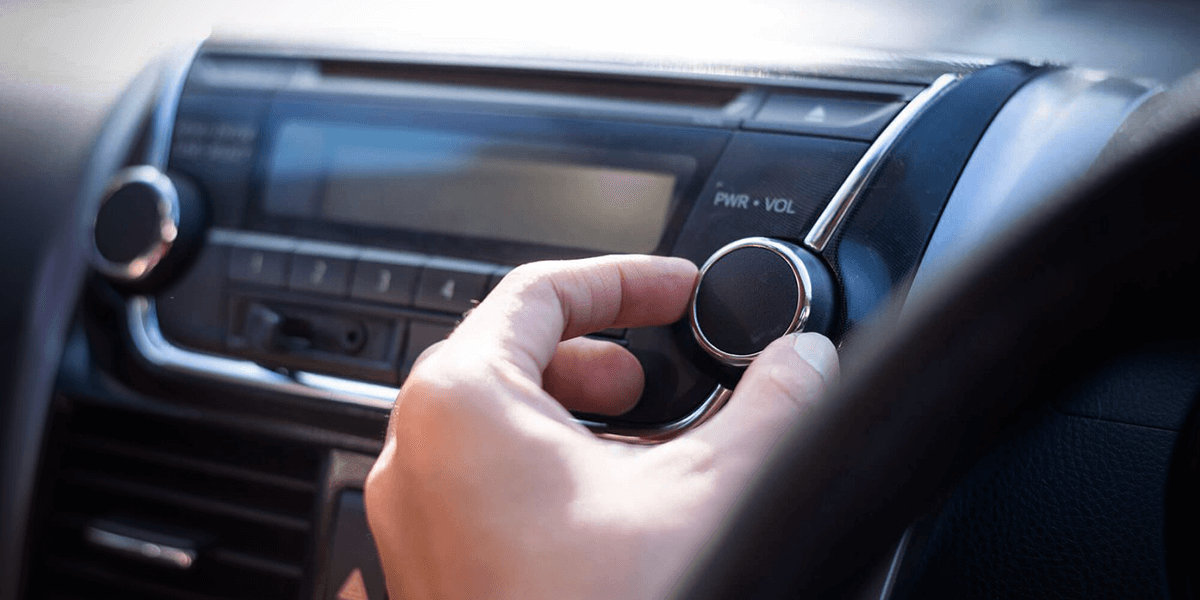
Many vehicles come equipped with FM/AM radio receivers, and these radio bands remain popular for their simplicity, accessibility, and widespread availability of diverse content.
Setup steps:
Turn on the car radio.
Use the frequency tuning buttons or the screen settings to select the desired radio station.
You can also preset your favorite stations for quick access.
Bluetooth Streaming
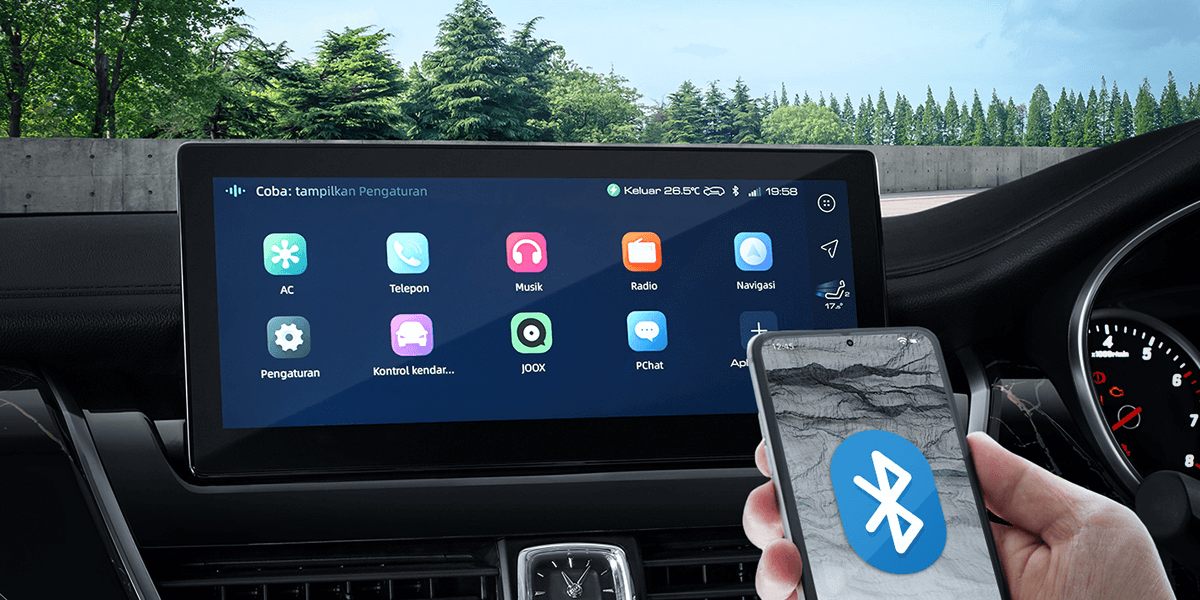
Bluetooth streaming has become a standard feature in many vehicles, providing drivers and passengers with a wireless and hassle-free way to enjoy audio content while on the go.
Setup steps:
Turn on the car's Bluetooth system.
On your smartphone or Bluetooth-enabled device, enable Bluetooth and pair it with the car stereo. Follow the on-screen prompts for pairing.
Once paired, select Bluetooth as the audio source on your car stereo to stream music wirelessly.
AUX Input
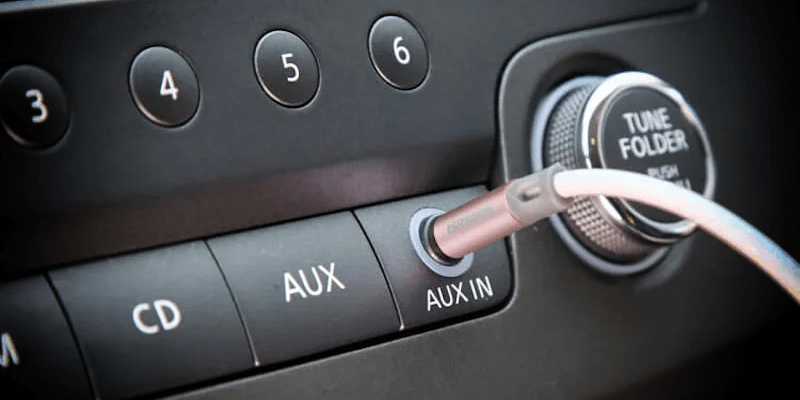
This is a straightforward method that allows you to connect external audio devices, such as smartphones, MP3 players, or portable music players, directly to your car's audio system.
Connect one end of a 3.5mm audio cable to your smartphone or music player's headphone jack.
Setup steps:
Connect the other end to the car stereo's AUX input.
Select AUX as the audio source on your car stereo.
Satellite Radio
Satellite radio involves using a satellite signal to receive a variety of radio channels with diverse content. This service provides an alternative to traditional AM/FM radio, offering a broad selection of music genres, talk shows, news, and more.
If your car has a satellite radio receiver, subscribe to a satellite radio service and follow the instructions to access channels.
CD Player
Some older cars have CD changers that can hold multiple CDs, allowing you to play a variety of music without needing to switch discs frequently.
Setup steps:
Insert a music CD into the CD slot.
The system usually automatically recognizes and starts playing the CD. If not, navigate through the CD options on the car stereo interface.
Playing Music on Aftermarket Car Stereos
Besides the methods mentioned above, you can also install an sigma carstereo for playing music on your car.
CarPlay/Android Auto
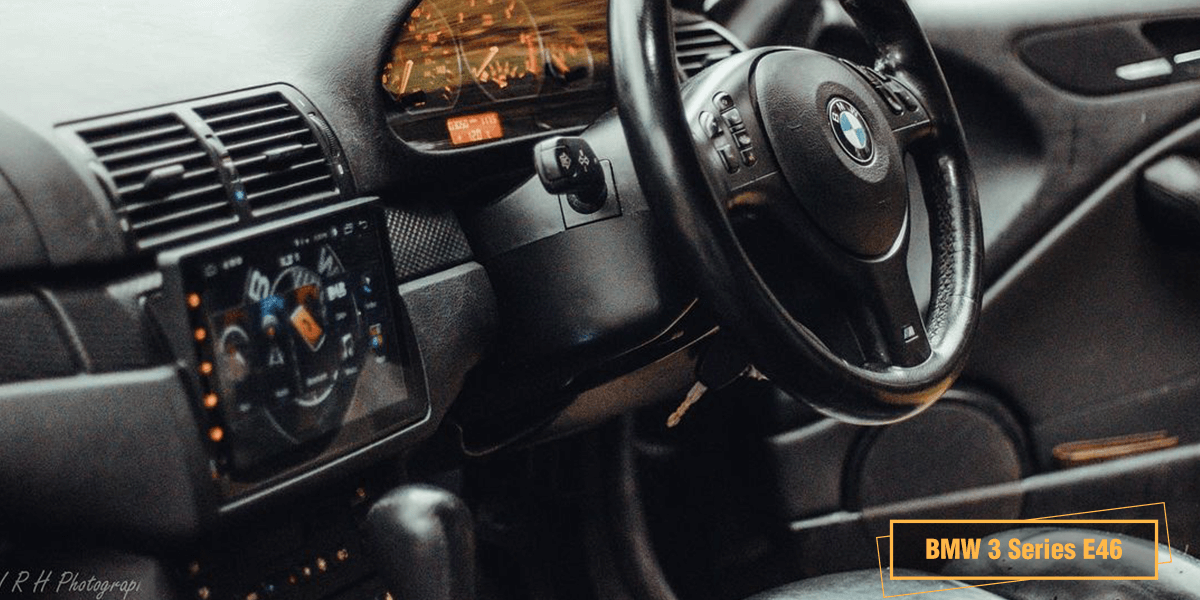
Playing music via CarPlay (for iOS devices) or Android Auto (for Android devices) provides a seamless integration of your smartphone with your car stereo. They are designed to enhance the in-car entertainment experience, allowing you to access and control various music apps directly from the car's display.
Setup steps:
Connect your smartphone to the car stereo using a USB cable or wirelessly.
Follow the on-screen prompts to enable Apple CarPlay/Android Auto.
SD Card/USB Drive
sigma car stereos feature an SD card slot/USB port. It is a convenient and straightforward way to enjoy your favorite tunes in the car with SD cards/USB drives.
Setup steps:
Insert an SD card/USB drive with music files into the SD card slot/USB port on the car stereo.
Select the SD card/USB drive as the audio source.
Music Streaming Apps
You can download and install music streaming apps from the Google Play Store, such as Spotify, Apple Music, or Pandora, to enjoy your favorite music on the Android head unit.
Sound Quality of Eonon Car Stereos
Most of the sigma Android car stereos feature built-in DSP, which helps significantly improve the sound of the unit. DSP can adjust the frequency response of your audio system to optimize it for your car's acoustics and your personal preferences. You can enjoy clearer and more balanced sound.
To dramatically improve the sound quality of the unit, you can also connect an sigmacarstereo amplifier box (not included). With 4 channels boasting a robust 60W output each, you can immerse yourself in high-fidelity sound that fills your vehicle with rich, dynamic audio.
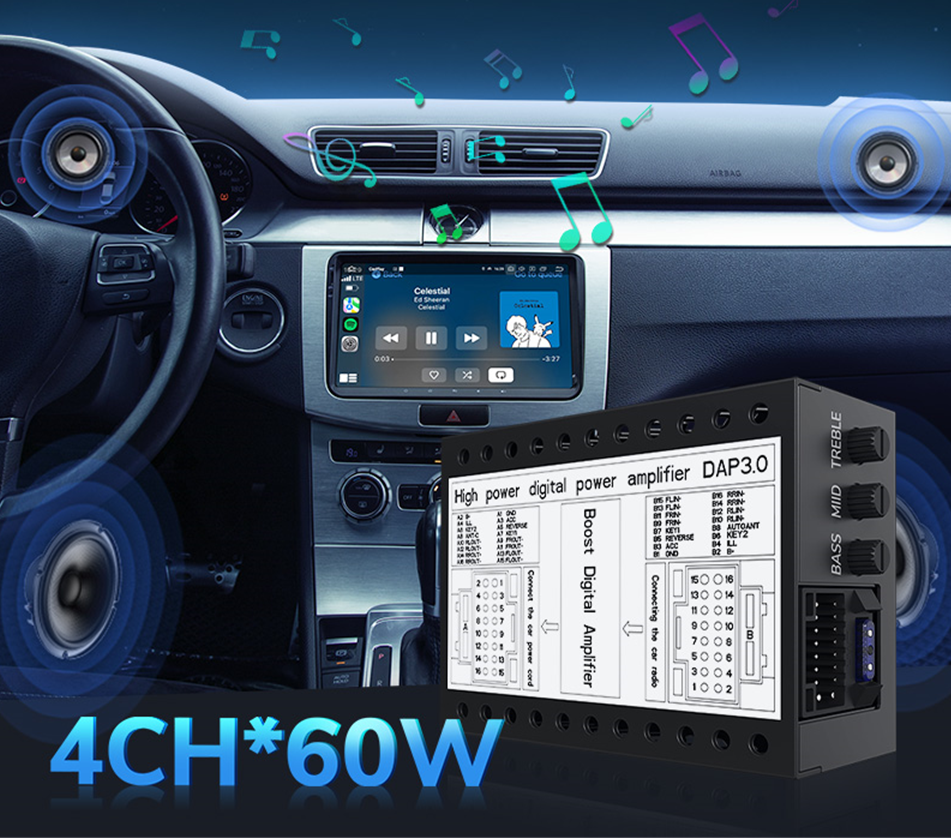
As you hit the road, let the music be your companion, and may your journey always be accompanied by the perfect soundtrack. Happy driving and happy listening!
If you have further questions issues, please don’t hesitate to contact us at info@sigmacarstereo.com
Leave a Comment